Transmission 5 Dance AI
Upload one photo and get the Transmission 5 Dance AI trend back as a 11-second video starring you, shot for shot like the original, with its sound.
About the Transmission 5 Dance AI trend
The name of this template matches Transmission 5, a house track released on 12 June 2013 according to a Sound Shelter record listing. No reliable page we found ties the dance to the track, so treat the name as a match, not as proof.
What the finished clip shows
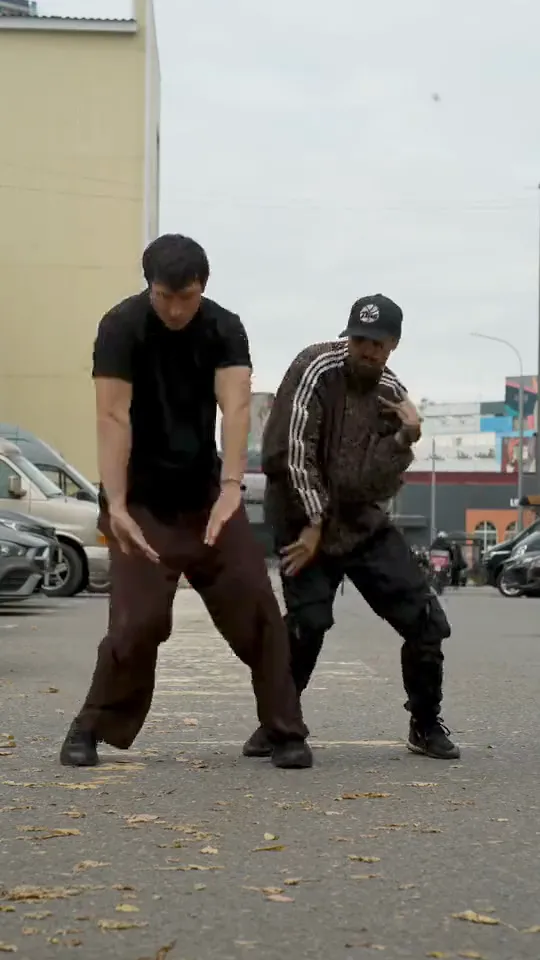
- The person in your photo stands on the left, beside the other dancer in a wide stance. A fixed low camera shows the grey parking lot, parked cars and yellow building behind them under an overcast sky. You take the position of the dancer who wears a black T-shirt and loose dark brown trousers in the original clip. Beside you, the other dancer wears a dark jacket and cap.
- Your person leans forward as the dancer on the right crouches beside them. Chest-height arm locks accompany the opening footwork, with both dancers staying next to each other in the same view of the parking lot.
- You see both dancers lean into a step and swing their arms through the movement. The routine carries the arms overhead before dropping into a deep squat, with your person keeping the left position throughout the sequence.
- Your person stretches an arm outward while the dancer beside them holds a lowered stance. Hand passes and coordinated arm movements carry the routine forward, with the low camera keeping both dancers and the parked cars in view. Synchronized footwork continues beneath the arms through this hand-pass section.
- The dancer from your photo and the other dancer stand in staggered stances. Their feet sit apart as the coordinated footwork and arm swings continue, with the yellow building still visible behind the pair in the lot. At one point you lean back-to-back with the other dancer.
- You see the pair finish side by side with their arms loose. Your person remains on the left through the closing movement, while the other dancer stays on the right and the fixed parking lot view holds.
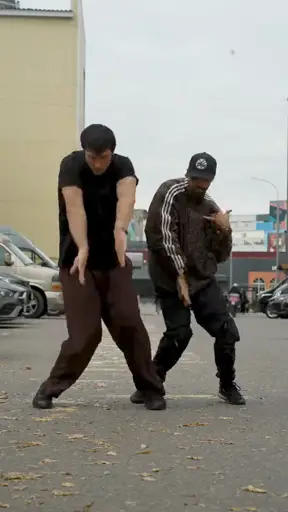
0:00 in the original
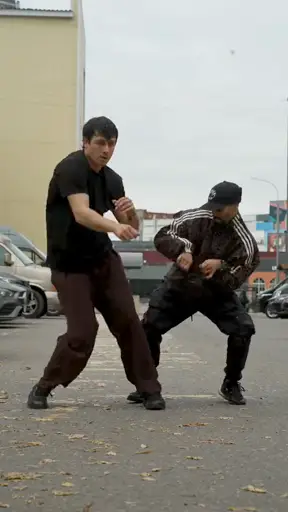
0:02 in the original
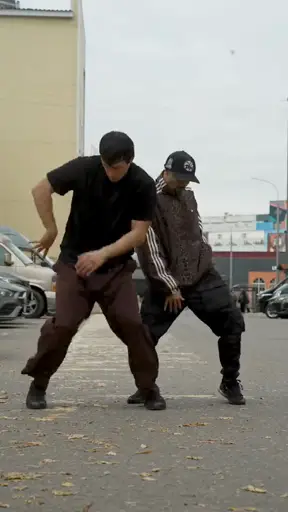
0:04 in the original
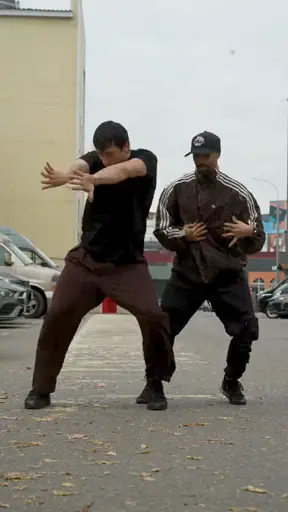
0:06 in the original
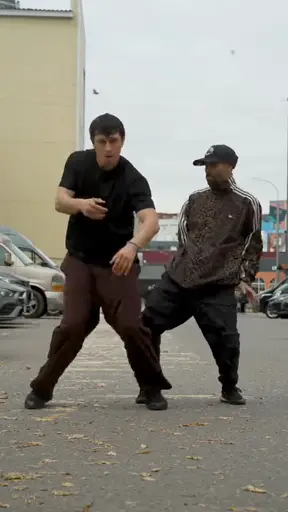
0:08 in the original
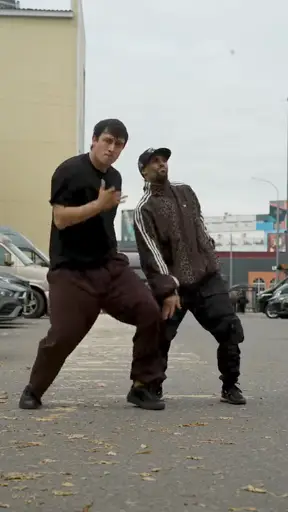
0:10 in the original
How to make it on Put Me In
Choose one photo of a person for the Solo version. Use a view that clearly shows the face and includes the whole body, so your appearance is visible for the wide stance, forward lean and deep squat. Your photo supplies the face, hair and clothes for the left dancer. This page has no pet version, so choose a person rather than your pet.
Upload your chosen photo to Put Me In.
Your person performs the left dancer’s movements, including the arm locks, overhead reach, low squat and closing footwork. The right dancer keeps the original appearance and performance. You also follow the relaxed body rolls in the original clip.
Questions
- You provide the person for the left position in a two-person routine. Solo is the version offered on this page; the scene itself keeps both dancers. Your person shares the steps and interactions with the original dancer on the right. The right dancer’s face, clothes and position stay as shown in the preview, so you see the same paired routine throughout.
- Your face needs to be easy to see because the left dancer keeps your pictured appearance even when the routine drops low. Include your body and clothing clearly too: the clip shows much more than a head and shoulders. The wide steps, lowered posture and extended arm all put your pictured appearance into a moving, full-body scene alongside the other dancer.
- You need a photo of a person for this template. The available Solo version is built around a person performing the left side of the routine, including hand gestures, arm locks and the deep squat. There is no pet option on this page. Your single photo supplies that one dancer’s appearance; you do not supply a second photo for the dancer beside them.
- Your result uses the original clip’s sound and lasts 11 seconds. The parking lot, yellow building, cars, overcast lighting and low camera angle stay tied to that clip. You choose the photo for the left dancer, while the choreography, framing and timing follow the original clip. The sound you hear in the page’s original preview is the sound your finished video plays.
- Yes. If a paid video can't be made, a person checks it within 2 business days, then we remake it or refund you in full; a video paid with credits gets its credits back. A photo that fails the check is never charged.
- Yes. Photos of an order you don't pay for are deleted within 24 hours, and photos of a paid video after 30 days. The finished video is deleted 30 days after delivery, and until then it opens only on the account that ordered it. Our video provider may keep copies under its own policy.
- No. You need an account to order, and you can sign in with an email and password or with Google, whichever you like.
Unofficial AI recreation. Not affiliated with the original creators.